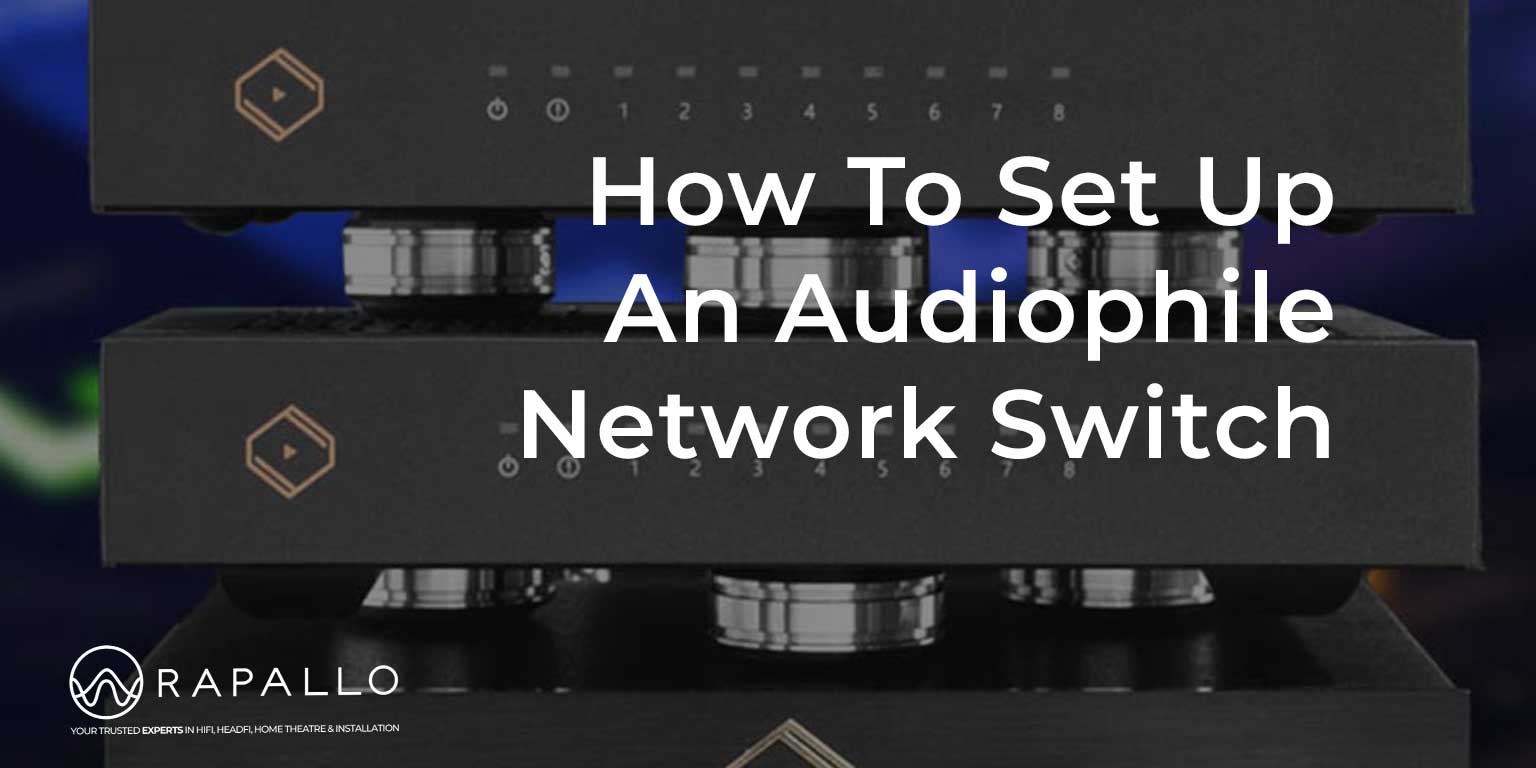
How To Set Up An Audiophile Network Switch
Estimated reading time: 7 minutes
How to Set Up an Audiophile Network Switch: A Guide for Better Sound Quality
As high-resolution music streaming becomes the backbone of modern hi-fi systems, more enthusiasts are discovering the importance of network infrastructure. One component gaining serious attention is the audiophile network switch. While often overlooked, a properly set up network switch can play a meaningful role in reducing noise, improving timing, and enhancing overall sound quality.
In this network guide, we will endeavor to explain what an audiophile network switch is, how to set one up correctly, and the key points that matter most if you want the best performance from your streaming audio system.
What Is an Audiophile Network Switch?
An audiophile network switch is a specialized Ethernet switch designed specifically for high-end audio systems. Unlike standard consumer network switches, audiophile models focus on:
- Reducing electrical noise
- Improving clock accuracy and timing
- Isolating audio components from network interference
- Delivering cleaner power internally
While all network switches transmit data packets correctly, not all switches manage electrical noise, jitter, and interference in the same way. In digital audio systems, these factors can influence how streamers, DACs, and servers perform at the analog output stage.
Why an Audiophile Network Switch Matters in a Hi-Fi System
From a technical standpoint, “bits are bits.” However, in real-world audio systems, Ethernet cables also carry noise, grounding issues, and radio-frequency interference. These unwanted signals can travel into sensitive digital-to-analog conversion stages.
An audiophile network switch acts as a noise filter and isolation point, helping to:
- Lower the noise floor
- Improve clarity and microdetail
- Enhance soundstage depth and separation
- Deliver a more natural and relaxed presentation
The benefits are usually subtle but cumulative, especially in resolving systems.
Your Key Takeaways
- An audiophile network switch enhances sound quality by reducing noise and improving timing in high-resolution audio systems.
- Proper setup involves placing the switch between the router and audio components to isolate from network interference.
- Using Cat5e or Cat6 cables and considering a linear power supply can further improve performance.
- Best practices include keeping the switch away from noisy components and ensuring a solid placement to reduce vibration.
- Listen for subtle improvements like lower background noise and enhanced soundstage depth when evaluating the switch.
Step 1: Decide Where the Audiophile Switch Fits in Your Network
Correct placement in the network chain is critical.
Recommended Network Topology
The most common and effective setup is:
Router → Audiophile Network Switch → Audio Components
This allows the switch to isolate your audio system from household network noise generated by computers, TVs, smart devices, and Wi-Fi traffic.
Dedicated Audio Network (Optional)
For advanced systems, some users create a dedicated audio network, where:
- One switch handles general home networking
- A second audiophile switch serves only the streamer, DAC, and music server
This approach maximizes isolation and minimizes interference.
Step 2: Physical Placement of the Network Switch
Audiophile network switches should be treated like other hi-fi components.
Best Practices for Placement
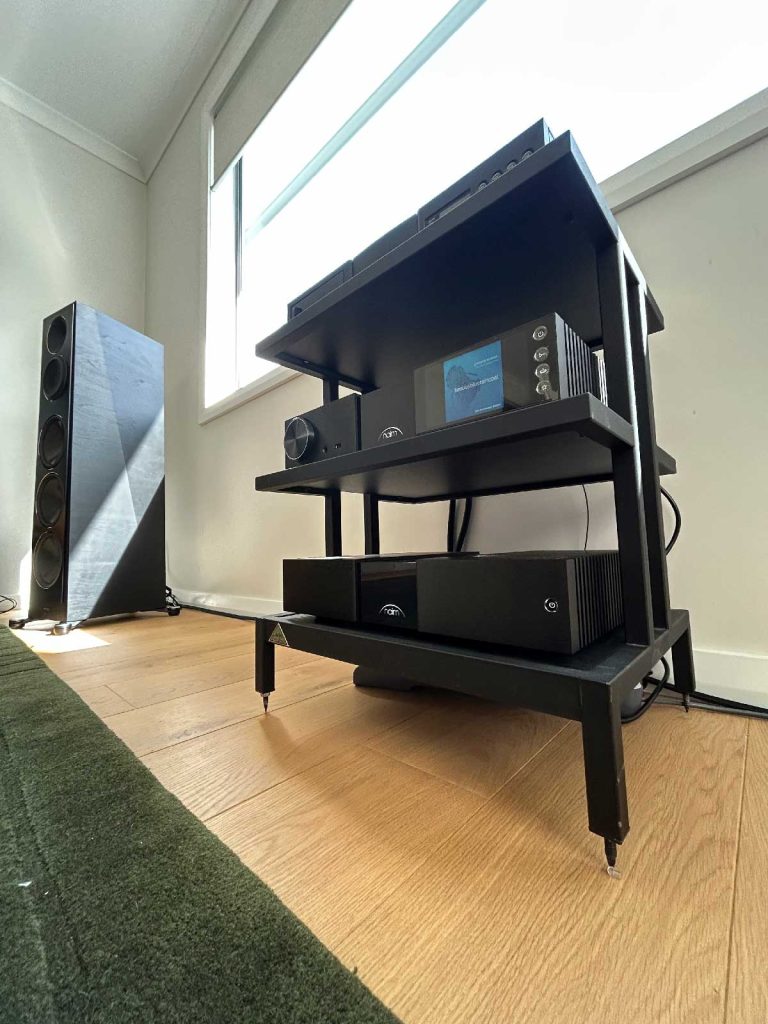
- Place the switch on a solid, vibration-free surface
- Keep it away from amplifiers, power supplies, and transformers
- Avoid stacking it directly on noisy digital components
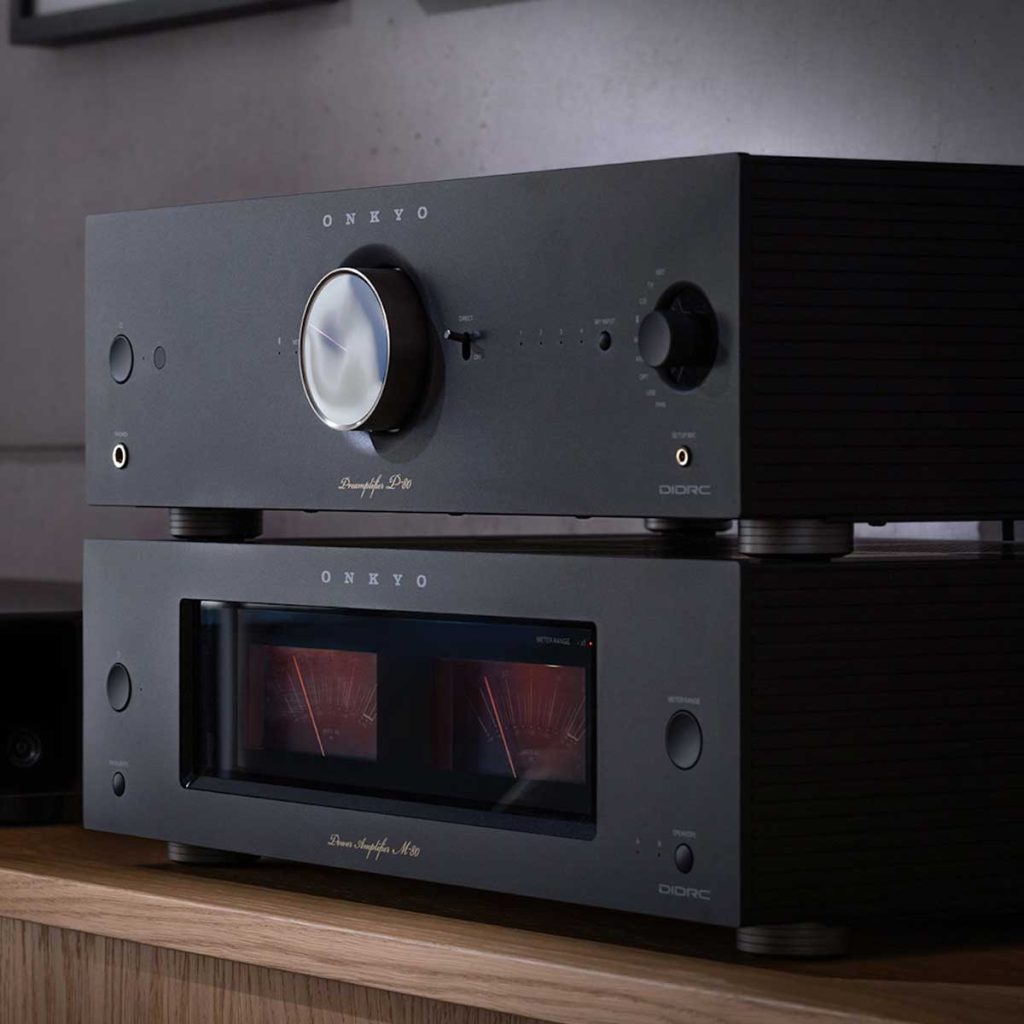
Some people use isolation feet or audio racks, which may further reduce vibration and electrical coupling.

Step 3: Choose the Right Ethernet Cables
Ethernet cabling is one of the most debated topics in digital audio, but good practices still matter.
Key Ethernet Cable Tips
- Use certified Cat5e or Cat6 cables at minimum
- Avoid overly long cable runs
- Keep Ethernet cables separated from power cables
- Use consistent cable quality throughout the audio chain
Shielded or audiophile Ethernet cables may help reduce interference, depending on system grounding and sensitivity.
Step 4: Power Supply Matters More Than You Think
Power quality is one of the most important factors in audiophile network switch performance.
Switching vs Linear Power Supplies
Many switches ship with standard switching power supplies, which are efficient but can inject high-frequency noise back into the system.
A linear power supply (LPS) is a popular upgrade because it:
- Provides cleaner DC power
- Reduces electrical noise
- Improves system stability
When choosing a linear power supply:
- Match the correct voltage and polarity
- Ensure sufficient current capacity
- Use a high-quality DC cable
This single upgrade often delivers the most noticeable improvement.

Step 5: Configuration and Setup
Most audiophile network switches are plug-and-play, requiring no advanced configuration. Your switch could offer other features such as:
- Clock selection
- Port prioritization
- Grounding options
Start with the manufacturer’s recommended settings. Avoid changing multiple settings at once so you can properly evaluate their effect
Step 6: Allow Burn-In and Stabilization Time
Many people (and sites) report that network switches improve after being powered on continuously for several days.
Possible reasons include:
- Thermal stabilization
- Power supply conditioning
- Listener acclimatization
While opinions differ (much like cables or grounding), leaving the switch powered on for at least 48–72 hours before critical listening is a sensible approach.
Step 7: How to Evaluate the Sound Quality Improvements
The improvements from an audiophile network switch are usually refinements, not dramatic transformations.
What to Listen For
- Lower background noise (“blacker background”)
- Improved soundstage depth and width
- Better separation between instruments
- Smoother treble and more natural flow
- Enhanced timing and coherence
Remember, if you are back-to-back testing then use familiar reference tracks and avoid rapid A/B switching. Subtle changes are easier to perceive over longer listening sessions.
Is an Audiophile Network Switch Worth It?
An audiophile network switch is not a magic fix, and it should not replace fundamentals such as quality speakers, room treatment, or a capable DAC. However, in a well-balanced streaming system, it can be a valuable finishing touch.
Think of it as part of a holistic approach to digital audio optimization.
When combined with a good streamer, clean power, and careful system setup, an audiophile network switch can help digital music sound more immersive, engaging, and true to the original performance.
Our Final Thoughts
Setting up an audiophile network switch correctly is about attention to detail. Small improvements in noise reduction, power quality, and isolation can add up to a more enjoyable listening experience. For music lovers who value refinement and realism, optimizing the network is no longer optional, it’s part of modern high-end audio.
Talk to Bensan or CJ for more information on a system setup.
- HDMI Cables Explained
 HDMI Cables Explained: What’s the Difference, and what AudioQuest Cables should you use?? Walk into any electronics store or browse…
 - How To Set Up An Audiophile Network Switch
 How to Set Up an Audiophile Network Switch: A Guide for Better Sound Quality As high-resolution music streaming becomes the…
 - Ground Cables and Turntables
 Ground Cables and Turntables, time to separate electrical fact from audiophile folklore – at least we will try. Among the…
 - What Are Planar Magnetic Headphones?
 So what are Planar Magnetic Headphones? Here is our guide for curious HeadFi listeners. If you’ve spent any time browsing…
 - Open-Back vs Closed-Back
 Ah, headphones and Open-Back vs Closed-Back… Your loyal companions through late-night jam sessions, endless Zoom calls, and those “I’m totally…
 - Our Guide to Buying a CD Player
 Our Guide to Buying a CD Player. What to look for in today’s market and why CD Players still matter.…
 NZ AV specialists available to help before or after your purchase
 1,750+ verified product reviews from genuine NZ verified purchasers
 Secure checkout & local warranty, we look after you
 NZ price match on identical products so you know you are getting the right price