


Description
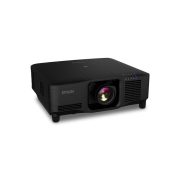
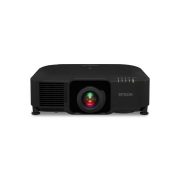
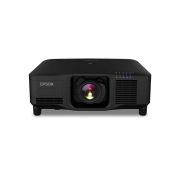
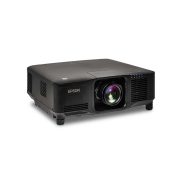
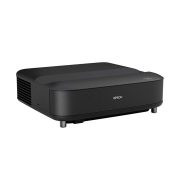
Epson EB-1485Fi 5000lm Ultra Short Throw 3LCD Laser Projector
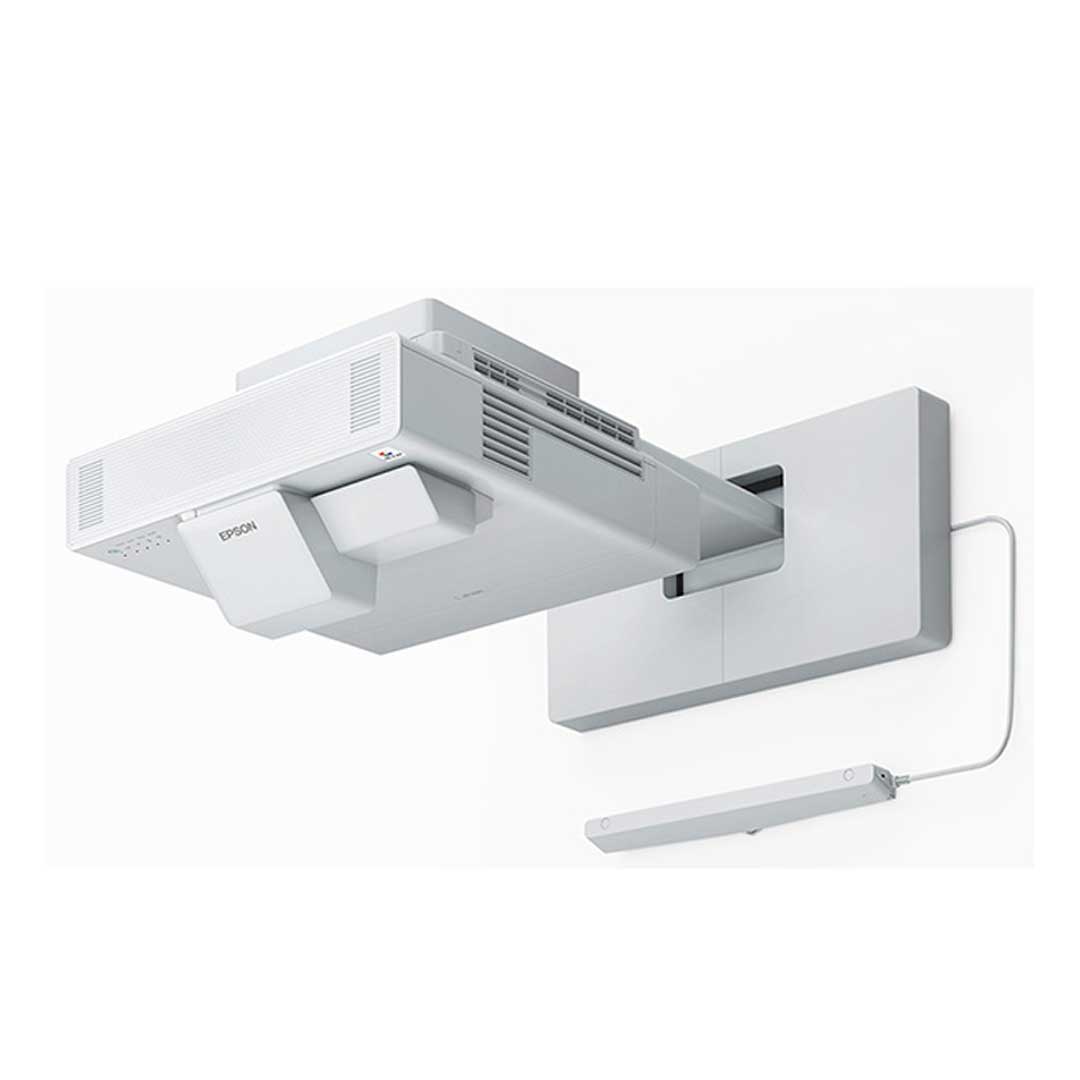
The Epson EB-1485Fi 5000lm Ultra Short Throw 3LCD Laser Projector transforms your workplace.
The large, scalable display enriches collaboration and engagement, and promotes greater knowledge sharing with colleagues, clients or delegates using the latest and most versatile connectivity options.
The EB-1485Fi has been designed to be easy to use, enriching collaborative and agile working environments.
View User Manual >> View Epson >>
FAQ’s
- Can students clearly see the display in bright classrooms? With 5,000 lumens of brightness, the EB-1485Fi produces clear, vivid images even under strong classroom lighting, ensuring visibility from any seat.
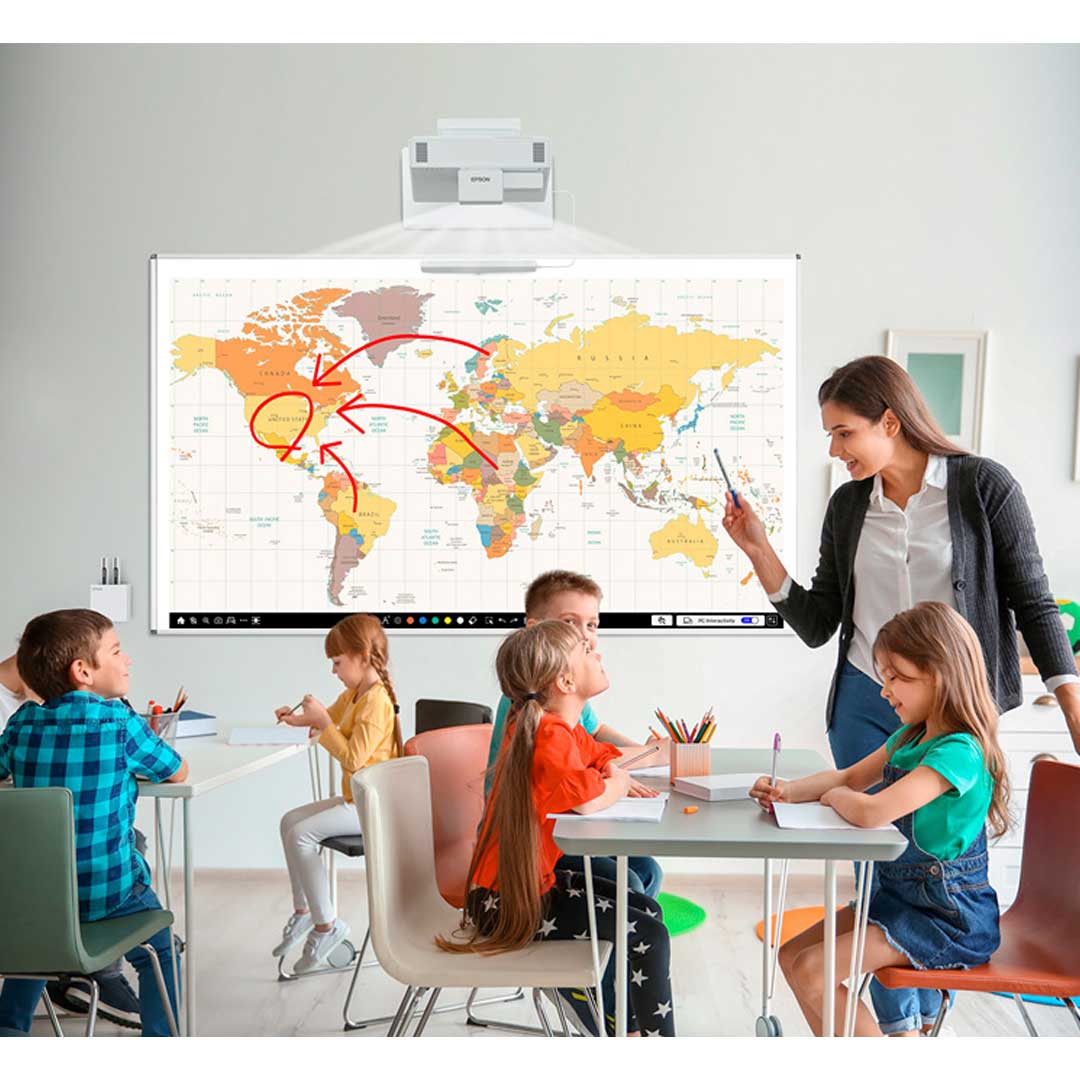
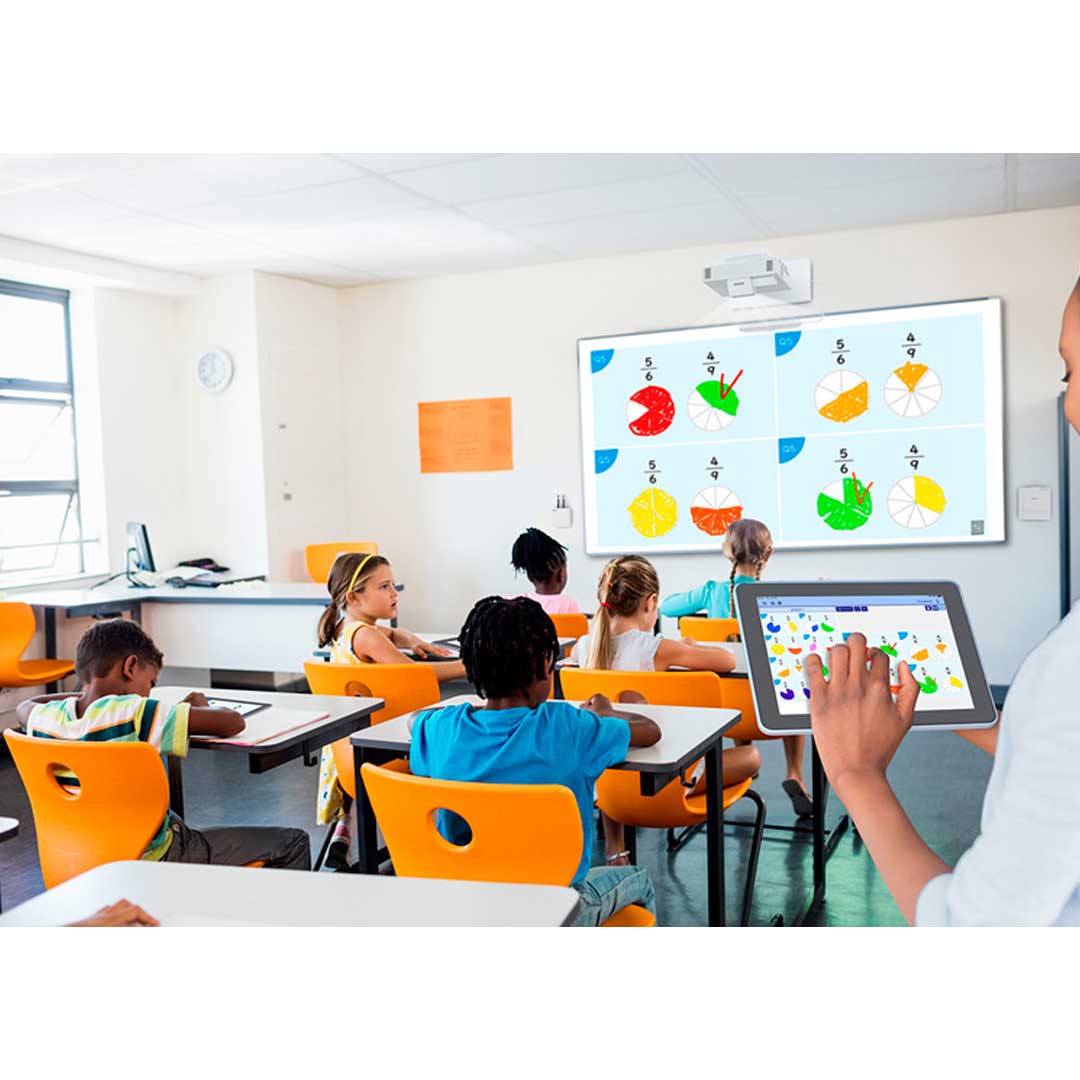
- Is the projector interactive for teaching and group activities? It supports touch and pen interactivity, allowing teachers and students to write, draw, and collaborate directly on the projected image.
- Does the projector reduce shadows and glare for teachers at the board? Its ultra short throw design minimises shadows and glare, giving teachers more freedom to move and interact with the image comfortably.
- How long does the laser light source last? The EB-1485Fi features a 20,000-hour, maintenance-free laser, reducing downtime and ongoing costs—ideal for busy school environments.
- Can the projector connect easily to school devices and networks? It supports wireless sharing, HDMI, USB, screen mirroring, and network integration, making it simple to connect laptops, tablets, and classroom tech.
Features
- 3 x brighter colours and reliable performance – 3LCD, 3-chip technology. Look for both high colour brightness and high white brightness
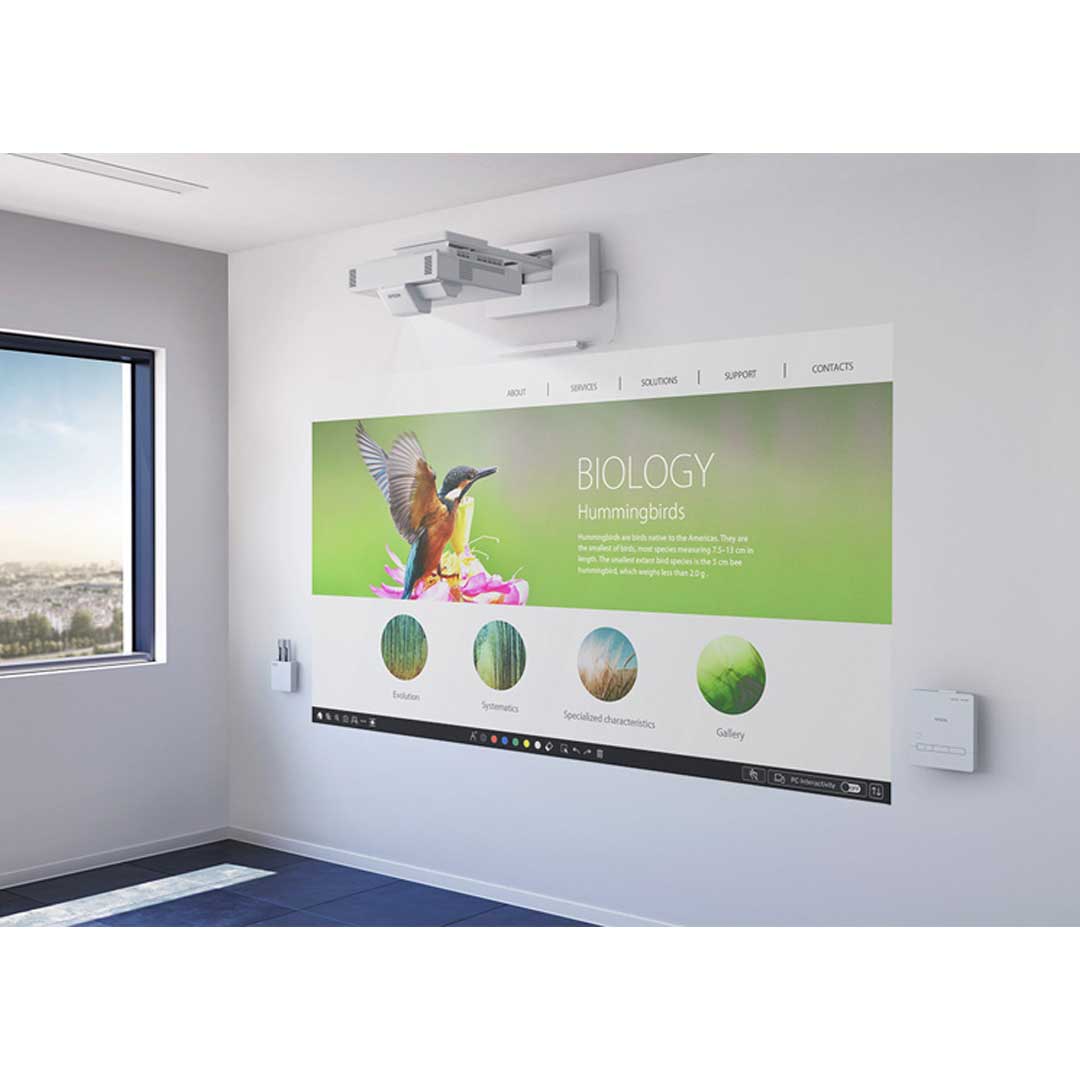
- Reinvent your whiteboard – turn any wall or existing dry-erase board into a 100″ interactive display for more efficient meetings and collaboration, in the room or across the globe
- Break through laser technology – provides up to 20,000 hours of virtually maintenance free operation, with the added benefits of higher image contrast and instant ON/OFF
- Full HD display up to 100″ – for an optimal viewing experience and clear readability – over 2x as big as a 70″ flat panel
- Optional touch–enabled interactivity – turn on the projector and start writing using your finger or the included pens
- Easy to use – just walk in, turn it on and start writing – no computer, software or training is required
- Capture, save and share – no need to transcribe meeting notes or snap a photo; easily save, print or email directly from your projector
- Wireless device compatibility – wirelessly display documents, files and photos from your iPad®, iPhone®, and Android™ mobile devices with the Epson iProjection™ App
- Convenient HDMI–out connectivity – share whiteboard content to a larger display, videoconferencing system or recording device
- Flexible display options and sizes – deliver impactful sessions with interactive displays up to 120 inches (16:6 standalone) or 155 inches as an edge blended image using two projectors
3LCD technology
All Epson projectors are based on 3-chip LCD technology for amazing colour, incredible detail and solid reliability. 3LCD’s 3-chip architecture dedicates an entire chip to process each primary colour – red, green and blue, continuously. Unlike single-chip technology that delivers colour sequentially, you get full-time colour. The result is vibrant, realistic images and video all delivered with 3LCD’s true-to-life colour.
Up to 3x brighter colours with Epson projectors1
Epson projectors use 3LCD Engines that have no colour wheel with a white segment and therefore don’t force a trade-off between white and colour brightness.
In fact, Epson projectors have up to 3x brighter colours than their leading competitive 1-chip DLP projectors1. If you are looking for business and education projectors or 720p home entertainment projectors, know that choosing Epson projectors means up to 3x brighter colours.
If you are looking for 1080p home entertainment projectors, you consistently get 2x and up to 3x brighter colours than competitor 1-chip DLP projectors1.
All Epson projectors list both white brightness and colour brightness specifications, and all have high colour brightness.
Laser light source
Experience astonishing quality and reliability with Epson’s laser light source technology. The newly designed laser light source and advanced electrostatic filter offers fit and forget reliability to keep maintenance to a minimum. Additionally, the laser light source is highly reliable, eliminating worry of the light burning out during important presentations.
Big screen
While conventional whiteboards and panels are limited to pre-determined height and width, the MeetingMate has no such constraints. Set the size of the interactive area to fit the available space in your meeting room.
Ultra Short throw
An ultra-short-throw design eliminates many of the common problems of interactive systems, such as shadowing and eye glare. With an incredibly efficient throw ratio, this model allows you to project extra-large interactive images up to 100″ in 16:9 and 120” in a 16:6 aspect ratio.
Full HD resolution
Enjoy images in full HD resolution2 and crisp, sharp text without any distortion. Easily read the fine print in applications such as Excel and Word. With the addition of super resolution and detail enhancement processing, images are near cinema quality.
Home screen
Get up and running in a snap with an intuitive, user-friendly home screen. Select the content source and easily access frequently-used functions such as the whiteboard tool, screen sharing and more.
Epson iProjection App
Wirelessly display content from your iOS or Android mobile device with the free Epson iProjection App and any nearby Epson interactive display with wireless or network capabilities
- Send files from your email or cloud storage account to the app, then project
- Advance through PowerPoint® or Keynote® presentations (iOS only)
- View Microsoft® Word documents or Excel® spreadsheets (iOS only)
- Zoom in and out of PDFs (iOS and Android)
- Project webpages and view brilliant, high-quality images
- Control interactive display features with just a touch of your device screen
- Easily pair your device with the interactive display via a QR code (available on select models)
Easy set up features
Including automated processes for screen and interactivity set up, the EB-1485Fi can be up and running within a matter of moments. The control pad also helps simplify the process with the addition of HDBaseT connectivity allowing a single cable to be run up to 60M to the projector.
Miracast and HDMI out
Sharing content within a meeting room has been made easier with a wider range of connectivity. Users can project their smartphone or tablet screens without a cable connection using Miracast. You also have the option of sharing your content with a second display via the HDMI output.
Smarter Meetings
- Digital made easy, without a PC or software – Transform traditional dry-erase whiteboards, plain walls and even tables into digital surfaces. Just pick up the pen and start writing. Or, use your finger — touch-enabled interactivity — to draw, share and interact with intuitive and familiar gestures. Add pages, or insert shapes and images. When you’re done, share your notes via the email, print or save functions — all without a computer.
- Instant information sharing – Whiteboard mode allows you to output the meeting results on-site in the user’s preferred format. Time to perform tasks such as saving meeting data to PDF (on USB memory, Network), sending email, printing, and making meeting minutes has been shortened considerably. You can also reuse and edit data again from a previous whiteboard session that was saved to a USB memory or server.
- Share notes via Email – Share meeting notes and content directly from your MeetingMate via email with up to 50 participants. Connect your projector to an active directory server and you can search names and email address.
- Easy to save notes to a PC – Simply connect to a PC via USB cable and you can save the meeting notes directly to your PC.
- Output images to videoconferencing systems – You no longer need a flat-panel display for your videoconferencing needs. Connect your videoconferencing system to your MeetingMate projector and display an image as large as 100″ (diagonal). Simultaneously display your videoconference on one side of the screen and additional content, such as a webpage or presentation, on the other side using the split screen feature (consult your user manual for input combinations).
- Flexible display options and sizes – Deliver impactful sessions with a multi-touch display of up to 100 inches (16:9 standalone), 120 inches (16:6 standalone), or 155 inches using Epson’s DuoLink feature, which combines two interactive displays using built in edge blending.
- Multi-PC Projection – Epson’s Multi-PC utility with moderator device management software allows you to simultaneously display up to four devices on the screen over network (wired or wireless), with even more users connected to the same interactive display on Standby mode. The moderator can drag and drop participants into or out of the four quadrants and control which device screens to display. Encourage and control collaboration; it’s perfect for comparing ideas and content side by side.
Interactive Functions
- All on screen items can be rearranged and edited freely – Any image on the screen can be resized and moved as if it were an object. So even if there is no writing space on the screen, written contents can be shrunken down to make room for new annotations (optional finger touch for the EB-1480Fi).
- Real-time drawing and PC operation – Connecting the projector to a PC via USB cable makes it possible to operate the PC mouse using the included interactive pen and even your finger.
- Generate up to 20 pages – There’s no need to worry about running out of space when writing meeting notes or importing information on the Whiteboard.
Specifications
PROJECTOR
- PRODUCT NAME: MeetingMate EB-1485Fi
- PRODUCT CODE: V11H919053
TECHNOLOGY
- Projection Technology: Epson 3LCD, 3-chip technology
- Light Source: Laser Diode
- Projection System: RGB liquid crystal shutter projection system
- LCD Panel: 0.62-inch (C2fine)
OPTICAL
- Zoom Ratio: 1.0 – 1.35 (Digital Zoom)
- Screen Size:
- 65″ to 100″ [39.2cm to 61.3cm] @16:9
- 61″ to 120″ [39.5cm to 79.6cm] @16:6
- Projection Distance: Standard size: 80″ screen 48.7cm
- Throw Ratio:
- 27 (Zoom:Wide)
- 37 (Zoom:Tele)
- Projection Lens Type: No Optical Zoom / Focus (Manual)
- Projection Lens F Number: 1.5
- Projection Lens Focal Length: 3.9 mm
- Focus Method: Manual
- Offset: 8.68:-1
IMAGE
- White Light Output: 5,000 lumens
- Colour Light Output: 5,000 lumens
- Resolution: FHD*
- Native Aspect Ratio: 16:9
- Contrast Ratio: Over 2,500,000:1
- Keystone Correction: Vertical: -3 to +3 degrees
- Horizontal: -3 to +3 degrees
- Quick Corner: Yes
- Auto Set Up: Yes
- Split Screen: Yes
- Edge Blending: Yes
- Colour Reproduction: Up to 1.07 billion colours
- Colour Processing: 10 bit
*Pixel shifting technology achieves Full HD resolution on screen
CONNECTIVITY
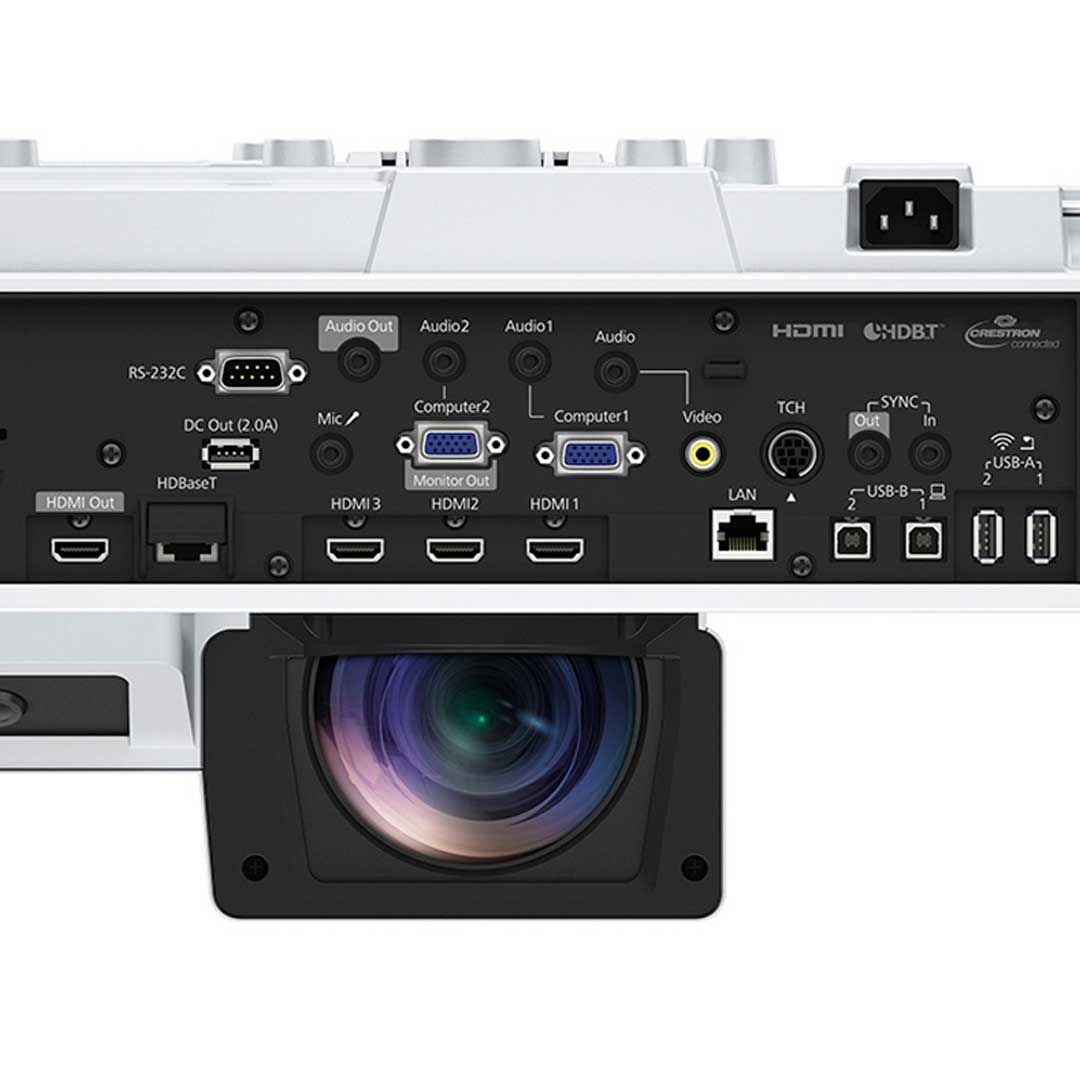
- Video I/O – Input:
- 2x RGB D-sub 15pin
- 1x RCA Composite
- Video I/O – Output:
- 1x RGB D-sub 15pin (shared)
- Digital Input: 3x HDMI
- 1x HDBaseT
- Digital Output:
- 1x HDMI
- Audio I/O – Input:
- 3x Stereo mini
- 1x Mic-In Stereo Mini
- Audio I/O – Output:
- 1x Stereo mini
- Control I/O:
- 1x RS232C (D-sub 9 pin)
- Interactive sync Stereo Mini – 1x In, 1x Out
- Touch Unit Control – Mini DIN 8pin
- USB I/O:
- 2x Type A (for USB Memory, USB Document Camera, Firmware update, Copy OSD Settings)
- 1x TypeA DC Out (2.0A)
- 2x Type B (for USB Display, Mouse, K/B, Control, Firmware Update, Interactive, copy OSD settings)
- Network I/O: 1x RJ45 (100Mbps) Wired LAN
- Touch Interactive: Min DIN 8pin
- Wireless Connectivity: Built-in Miracast and Built-in Wireless
- Optional Wireless LAN unit (ELPAP11)*
*With an optional ELPAP11, it is possible to use the Miracast and Wi-Fi function simultaneously (both simple AP mode and manual mode).
- Speaker Output: 2 x 8 W Stereo
ADVANCED FEATURES
- Epson Projection Management Software: Yes
- Partner Standards: Crestron Integrated Partner, Crestron RoomView, Extron IP Link
- AMX Device Discovery, Control4 Simple Device Discovery Protocol
- Message Broadcasting: Yes
- Easy Interactive Tools: Ver 5.00 (Windows/Mac OS)
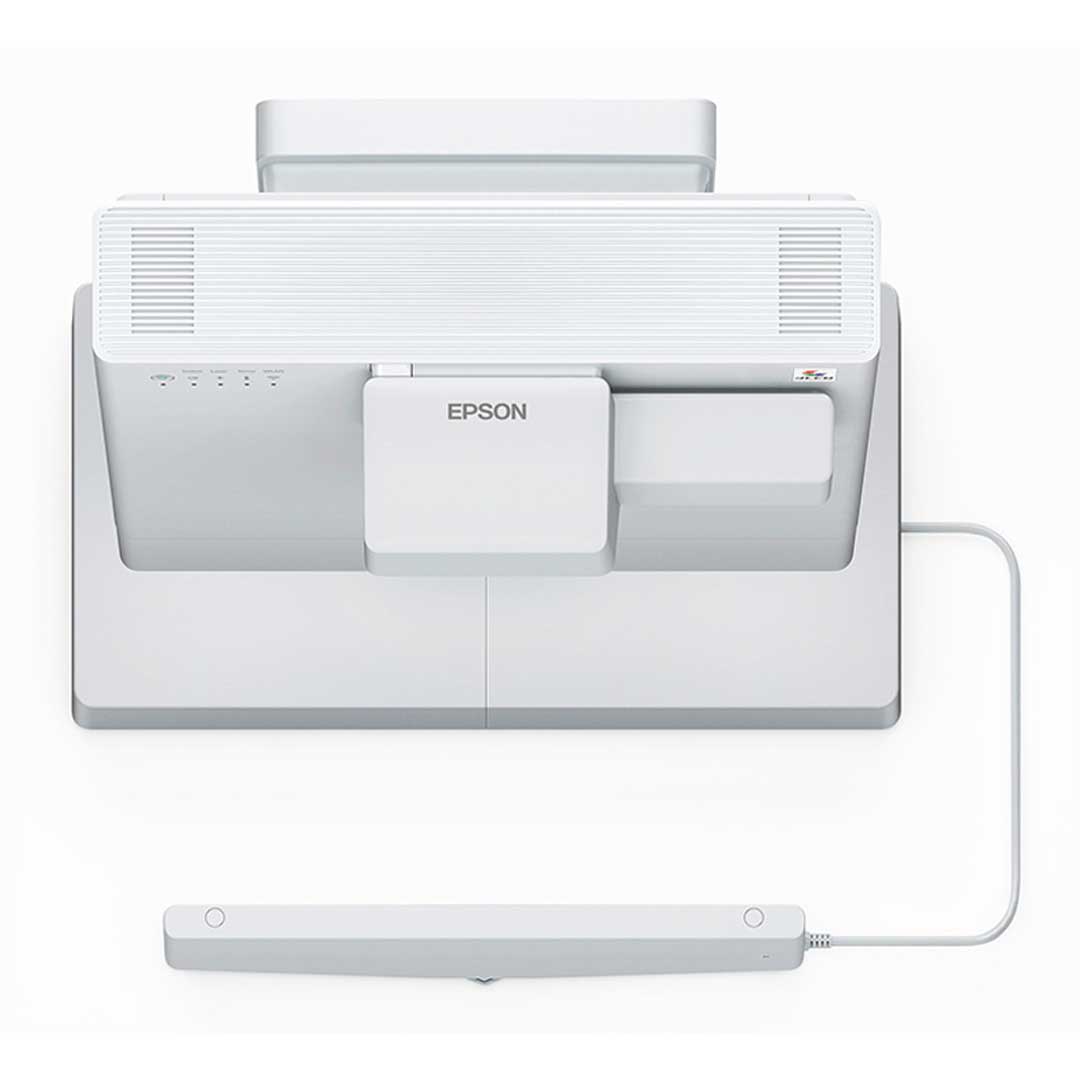
- Finger Interactive Unit: Dimension: 422 x 40 x 65mm (WxHxD)
- Weight: 600g
- Technology: Infrared Laser (Class 1)
- Adjustment: Auto
- Control I/O: 1 x Mini DIN 8pin
- Security: Kensington® – lock provision
- PC Interactive Tool: Multiple pen/finger support: Yes (with Easy Interactive Tools)
- Easy Interactive Pen: Up to 2.
- Finger: Up to 6.
- PC Free Annotation Tool: Multi-pen support: Yes
- Easy Interactive Pen: Up to 2
- Finger: Up to 6
- Whiteboard function: (Pen up to 2, optional: up to 6)
- Projector operation
- Firmware Update: Network via LAN cable, USB A via USB thumb drive, USB B via USB cable
- Copy OSD settings: Network via LAN cable, USB A via USB thumb drive, USB B via USB cable
- Wireless LAN Security: WPA2/WPA3-PSK, WPA2/WPA3-EAP
- Instant Off: Yes
- Direct Power On: Yes
- Auto Power On: Yes (HDMI1, Computer 1, USB Display)
- Security:
- Padlock & Security Cable Hole
- Kensington® lock provision
- Wireless LAN Unit Lock
- Password protection
- Colour Modes:
- Dynamic, Presentation, Cinema, sRGB, BlackBoard, DICOM SIM, Multi-Projection
- Wall Mount: Included (ELPMB62)
EXTERNAL CONTROL PAD
- Dimensions WxDxH: 174 x 36.5 x 201.8mm
- Weight: 0.6 kg
- Buttons: Power, HDMI 1, HDMI 2
- Input:
- 1 x USB Type A (Pass through for USB Document Camera, PC Free, Memory)
- 2 x USB Type B (for interactive)
- 2 x HDMI
- Output:
- 1 x USB Type B
- 1 x HDBaseT (RJ-45)
GENERAL
- Dimensions (excl feet) WxHxD: 458 x 209.5 x 375 mm
- Weight: Approx. 9.7 Kg
- Projector Warranty: 3 Years
- Power Consumption: 366 W (Normal) / 262 W (Quiet)
- Fan Noise Level: 36 dB (Normal) /27 dB (Quiet)
WHAT’S IN THE BOX
- Main Unit: EB-1485Fi Projector
- Power Cable: 1.8 m
- USB Cable: 1.8 m
- Remote Control: Yes
- Battery for Remote Control: 2 x AA
- Wall Mount: ELPMB62
- Easy Interactive Pen: 2 Pens
- Battery for Easy Interactive Pen: 2 x AA
- Pen Stand: Yes
- Pen Tip (Soft): x 4
- Pen Tip (Hard): x 2
- Light Curtain Finger Touch Unit: Yes – excludes wall mount
- Corner markers for auto setup: Yes
- Cable Cover: Yes
- Control Pad: Yes
- AC Cable: Yes
- Lens Cap: Yes
PRODUCT OPTIONS
*Optional Extras
- V13H134A56: Air Filter – ELPAF56
- V12HA05A09: FTU wall mount–ELPMB63
- V12H773010: Pen –ELPPN05A
- V12H774010: Pen – ELPPN05B
- V12H775010: Hard Pen Tip – ELPPS03
- V12H776010: Soft Pen Tip – ELPPS04
- V12H467053: External speakers ELPSP02
- V12H731P01: Document Camera ELPDC21
- V12H005A01: Wireless LAN Unit ELPAP11









 NZ AV specialists available to help before or after your purchase
 Over 1800 verified product reviews from genuine NZ verified purchasers
 Secure checkout & local warranty, we look after you
 NZ price match on identical products so you know you are getting the right price